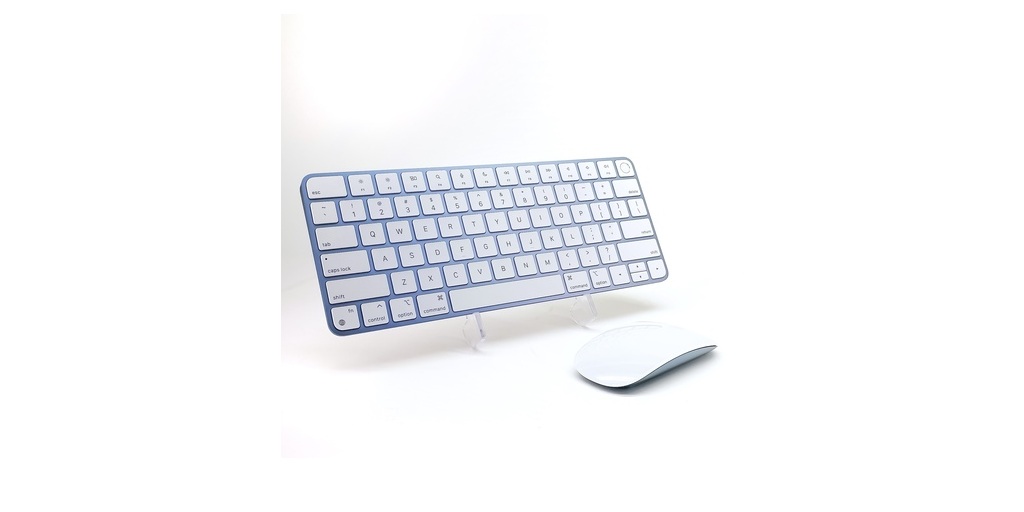
We all know just how important it is to find the most affordable, functional, and user-friendly computer. When that happens, we grow attached to our digital friends and are dependent on them for a slew of reasons, from conveniences to work.
Our computers, however, cannot function their best without the appropriate accessories and other such pieces of equipment. A laptop would be nothing without its charger, as it would live once and that would be that. It needs a computer case for seamless traveling.
Do you often spill liquids or have children who can create unforeseeable messes? Then your computer or laptop definitely needs a keyboard cover. But, what about the mouse and the mouse pad for laptops?
Many people find it more difficult, confusing, and uncomfortable to utilize the mousepad on laptops, so they opt for a more classic and viable option: an external mouse.
When you are looking for a mouse for a Mac or any computer, you need to know what the best options are for you, your comfortability, and even your health. Not any mouse will provide you with both the productivity and even health standards you require.
So let’s look at something not many people look closely at often enough: mouse ergonomics.
What is Ergonomics?
Ergonomics is the study of people in their work environment. More importantly, it studies their comfort, health, and risk of injury. It aims to relieve any discomfort along with any possibility of injuries in the workplace.
There are five key aspects of ergonomics: aesthetics, safety, ease of use, comfort, and productivity/performance. Ergonomics should be taken seriously in every industry and profession, including those who often use computers.
Ergonomics for Computer Users
We’ve heard of some of the most classic tips for ergonomically using computers, such as retaining an ideal posture, standing and stretching often (especially your hips), and keeping both feet firmly planted on the floor.
But, there are plenty of other lesser-known points that you need to keep in mind when working at your computer for keeping you and your body healthy and safe from any injury:
● Keep your elbows bent at a 90-degree angle
● Have your elbows close to your sides
● Don’t pound on your keyboard
● Rest your eyes intermittently (at least every 25 minutes) by focusing on a distant object for at least 30 seconds
● Keep your fingers and knuckles relaxed on the keyboard
● Change positions often
Mouse Ergonomics
While all of the above points are crucial for keeping yourself healthy and safe at work, you should also closely monitor how you use your mouse for a Mac or other such computer because it, too, could potentially injure you.
There are specific actions you should take in using a mouse correctly and efficiently in the workplace:
● Do not use wrist rests, as they can cut off your circulation
● Try to move the mouse with your entire arm and shoulder so that you use stronger and much larger muscles to do the work
● Don’t hold your mouse too tight
● Avoid reaching too far for your mouse (or computer and keyboard in general)
● Ensure your wrist is in a neutral position while using the mouse
● Use a low computer mouse speed so that you do not overuse the small muscles in your wrist to move your mouse
After purchasing the right mouse for you, be sure that you can adhere to the above ergonomic points while using it. In order to find the perfect mouse for a Mac, you should look at the offerings from Mac of All Trades. They have a plethora of affordable Apple products available for you, from a mouse to a computer!