Nowadays, we carry around a surprisingly large amount of personal data on our computers and in the phones in our pockets. Security is a prime concern for all of us, especially for those of us that are always intrigued by the new releases in technology that roll out on a yearly basis.
One of the ways to offset the cost of new technology and prevent a buildup of defunct machines is by selling your used Apple products to help finance the habit.
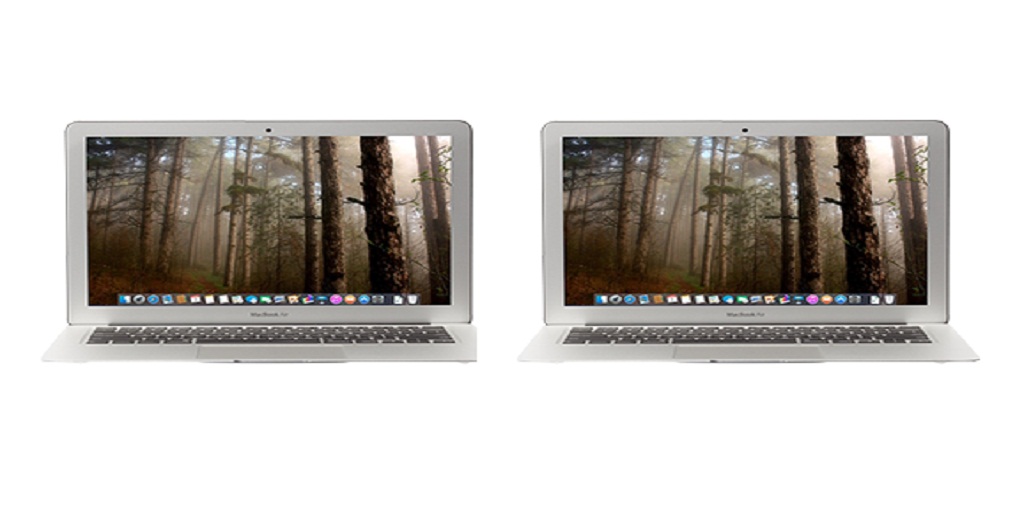
So let’s say you want to sell your MacBook Air to get one of the newer models – How do you erase your personal information before you sell it?
To Erase Your Personal Data
Before trading in your MacBook Air or selling it, you should back up your files and sign out of all of your accounts and erase your data. First, backup all of your data, either to iCloud or to local storage, and then sign out of iMessage, iTunes, and iCloud.
Then, to be safe, you should delete all of your files to ensure that they are inaccessible to any and all new users.
In order to erase all of your MacBook Air’s sensitive information, you’ll first need to put it in Recovery Mode. First, restart the computer and then press and hold the Command + R keys until you see the Apple logo appear on the screen.
When you see the MacOS Utilities Window appear, click Disk Utility, then Continue. Then, select your startup disk, which is probably named Macintosh HD, unless you gave it a special name. Name the new disk and then choose the APFS format.
Next, click on Erase Volume Group or Erase. Your MacBook Air will delete all of its files, after which point you can click out of Disk Utility. Next, from the MacOS Utilities window, click on Reinstall MacOS, which will reinstall the operating system.
Why You Can Rest Easy If You Sell Your MacBook Air to Mac Me an Offer
Before you sell your used MacBook Air, backing up all your data, signing out of your accounts, and erasing your data are all best practices. However, when you sell your MacBook Air to Mac Me an Offer, there’s an extra safeguard built-in for you.
Mac Me an Offer, as a standard procedure, completely erases all iPhones, iPads, iMacs, MacBooks, and all other Apple devices it buys from its customers. After completely wiping each and every device, they install a new operating system on each one as well.
This is only one of the safeguards that Mac Me an Offer gives its customers for their peace of mind. They also make it remarkably easy to obtain an accurate quote for your used devices as well, pay for shipping and provide compensation quickly.
If you’re interested in selling your MacBook Air to a reputable buyer, visit Mac Me an Offer at MacMeanOffer.com. Their Mac Estimator tool is easy to use – just input some information regarding the model and condition or search by serial number – they’ll give you a quote, provide you with a prepaid shipping label so you can ship your device, and they’ll take care of the rest.
Visit their website today or contact them at 800-581-8987 if you have any questions.