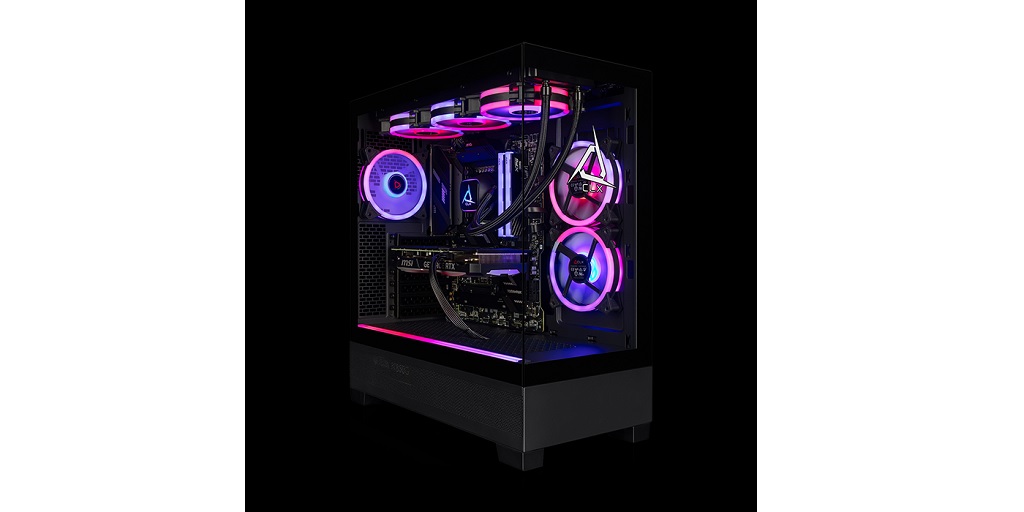
Congratulations on getting your custom gaming laptop! Whether you designed it for competitive esports or immersive open-world adventures, having a machine tailored to your needs is a game-changer. But here’s a little secret: even the most powerful laptops need a bit of tweaking to perform at their absolute best. If you want smooth gameplay, faster load times, and an overall better experience, it’s time to roll up your sleeves and optimize your setup.
The good news is that it’s far from rocket science. With a bit of tweaking and some smart maintenance, your laptop can go from great to absolutely unstoppable. Read on below if you’re ready to level up your gaming experience:
Keep Your Drivers Updated (Seriously, Don’t Skip This)
First things first, you’ve got to keep your drivers up to date. It’s not the most glamorous part of gaming, but it’s essential. Your graphics card driver is the star of the show here. Companies like NVIDIA and AMD regularly release updates that improve game performance, fix bugs, and add support for new titles.
Updating your drivers is simple. For NVIDIA users, the GeForce Experience app is your best friend. AMD fans can rely on the Adrenalin software suite. Both will notify you when updates are available and let you install them with just a few clicks. Don’t ignore these updates – they’re like giving your laptop a mini upgrade every time.
Master Your Laptop’s Power Settings
Custom gaming laptops often come with several power modes, and you’d be surprised how much of a difference these can make. If you’re running on “Balanced” or “Power Saver” mode, you’re holding your machine back. Switch to “High Performance” mode in your laptop’s power settings. This tells your hardware to prioritize speed and responsiveness over battery life.
Most gaming laptops also come with proprietary software for fine-tuning power settings. For example, Alienware laptops have the Alienware Command Center, while ASUS ROG machines use Armoury Crate. These programs let you adjust performance modes, overclock your CPU and GPU, and even customize fan speeds to keep your laptop cool under pressure.
Manage Your Cooling Like a Pro
Speaking of keeping things cool, let’s talk about thermal management. Gaming laptops can run hot, especially during intense gaming sessions, and excessive heat can throttle performance. To combat this, always use your laptop on a flat, hard surface. Soft surfaces like beds or couches can block the airflow from your laptop’s vents, causing it to overheat.
If you want to take it a step further, invest in a laptop cooling pad. These handy gadgets improve airflow and help dissipate heat more efficiently. Additionally, make sure your laptop’s internal fans are clean. Dust buildup can choke airflow, so give your fans a quick cleaning every few months using compressed air.
Optimize Your In-Game Settings
Even the most powerful gaming laptops have limits, so optimizing your in-game settings is crucial. Instead of cranking everything up to “Ultra,” prioritize the settings that matter most. Shadows, reflections, and anti-aliasing can be major resource hogs, and lowering them often has a minimal impact on visuals. Focus on achieving a balance between performance and eye candy.
Many games also have built-in performance monitoring tools that let you see how well your system is running. Keep an eye on your FPS (frames per second) and adjust settings as needed to maintain smooth gameplay. Aiming for a steady 60 FPS or higher is ideal for most games.
Upgrade When Necessary
Lastly, don’t be afraid to upgrade your hardware if needed. One of the best things about custom gaming laptops is their modularity. Upgrading your RAM or swapping out your SSD for a faster one can make a world of difference. Most laptops allow you to add additional storage or increase memory, so take advantage of this flexibility.
And if your laptop supports external GPUs (eGPUs), consider using one for a significant performance boost. These external docks house desktop-grade graphics cards, giving you desktop-level performance while still keeping your setup portable.
These tips are brought to you by CLX, a leading custom laptop builder. Visit the CLX website today to customize your very own gaming laptop – using their custom laptop builder tool, you can choose all the components you want and virtually put together a gaming laptop that’s tailored specifically to your needs. Visit the CLX website now to learn more or view their entire catalog of offerings.