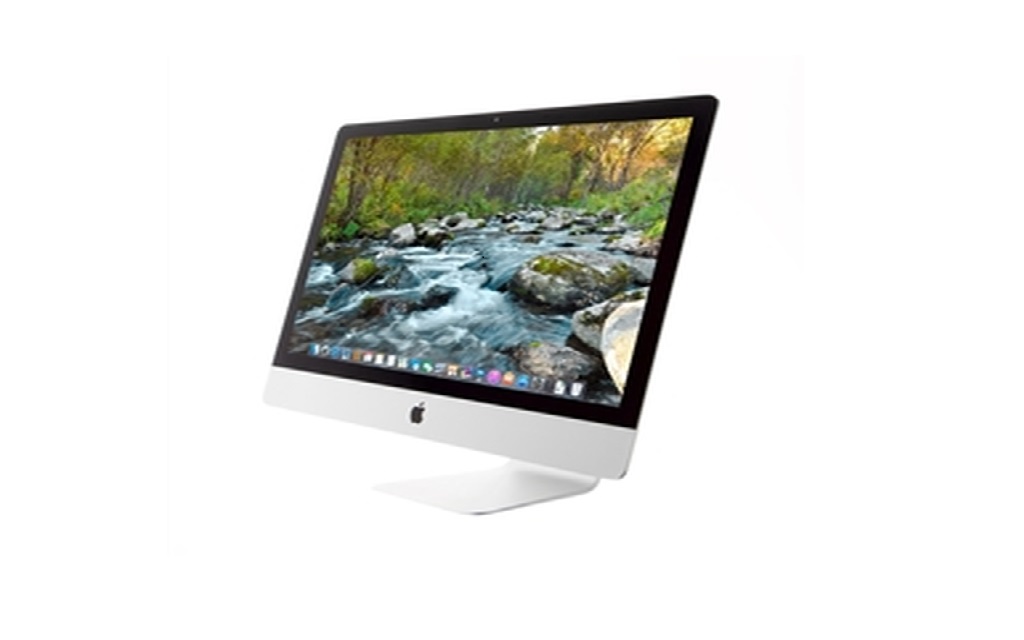
When you have an older computer and it feels as if it’s time to finally upgrade, the transition can feel confusing, overwhelming, and expensive. You can rest easy because we are here to tell you that it doesn’t always have to be this way.
When you take the appropriate steps to sell your iMac in subsequent order, you will be able to flawlessly and painlessly sell it for the most money while also doing so safely and easily. Then, after you receive all that “bonus” cash, you will be able to buy a newer version for an easy, enjoyable, and vastly improved user experience.
Let’s take a look at the steps you need to take before you sell your iMac. Follow these steps in their designated order and you will have a newer model in your midst in no time!
1.Backup or Transfer Files, Pictures, etc.
To make sure that you don’t lose any important files, pictures, videos, and other information, you’ll need to back them up or transfer them elsewhere. You can either use an external storage device, iCloud, or other similar online systems to back up your files. If you already have your new iMac ready to go, you can use the Migration System on this Apple product to transfer your files directly.
2.Sign Out of iTunes and iCloud
Now that you have all of your important files safely located elsewhere, now you will need to log out of iTunes and iCloud. You need to do this in order to ensure that your buyer doesn’t have access to these vital accounts.
3.Sign Out of iMessage and Other Apps
You should sign out of iMessage as well, along with all other apps that you have on your iMac. This will keep your important information, passwords, etc. safe and unreachable from your buyer or anyone else who uses your computer in the future.
4.Reset Your NVRAM
Now you’ll need to wipe your iMac clean of its memory, presets, and other login conveniences. This will also reset any security preferences and settings that have been changed. You can do this by shutting down your computer, turning it back on, and pressing then holding the four keys Option, Command, P, and R together.
However, note that if you are using a Mac with Apple silicon, you don’t need to adhere to this step.
5.Unpair any Bluetooth Devices
You should unpair any and all Bluetooth devices that you use with your iMac, such as a mouse, keyboard, headphones, and so on. This isn’t necessary but is recommended, especially if the iMac will be in range of your devices in the future.
6.Erase and Reinstall
Now it’s time for the final step: erasing and reinstalling. You will need to erase your iMac, then reinstall macOS.
Are you ready to sell your computer and are looking for the most convenient place to sell your iMac for the most money back? Then you can entrust Mac Me an Offer with your computer. They buy your used Apple products and will pay you top dollar out of all their competitors. Plus, they completely wipe all of their customers’ devices for extra peace of mind. Give them a call at 800-581-8987 to get started today!